iPhone app · dominoes scorekeeper
Anota
Keep score for Dominican team dominoes on your iPhone.
- Role
- Timeline
- Stack
- Links
By the numbers
5
ad startup steps, each with a timeout
3
layout sizes based on usable screen height
24
unit tests in 5 files
2
one-time purchases: Remove Ads and Anota Pro
- 1 · limit 8 s Foreground Waits for the app to be active. Continues when the timeout expires.
- 2 · limit 15 s UMP consent Runs the UMP consent flow. An error leaves the decision to step 4.
- 3 · limit 5 s ATT status Requests tracking permission only if the user has not answered before. An error means non-personalized ads.
- 4 · limit 5 s Consent status Checks whether consent allows ad requests. An explicit denial prevents ad requests.
- 5 · limit 15 s SDK init Starts the Google Mobile Ads SDK. An error means no ads.
Result
- Ready The banner slot shows an ad.
- Not ready No ads. The app works the same.
Ad startup runs in the background after launch, so the scoreboard is ready immediately. A Remove Ads or Anota Pro purchase skips the process.
The idea
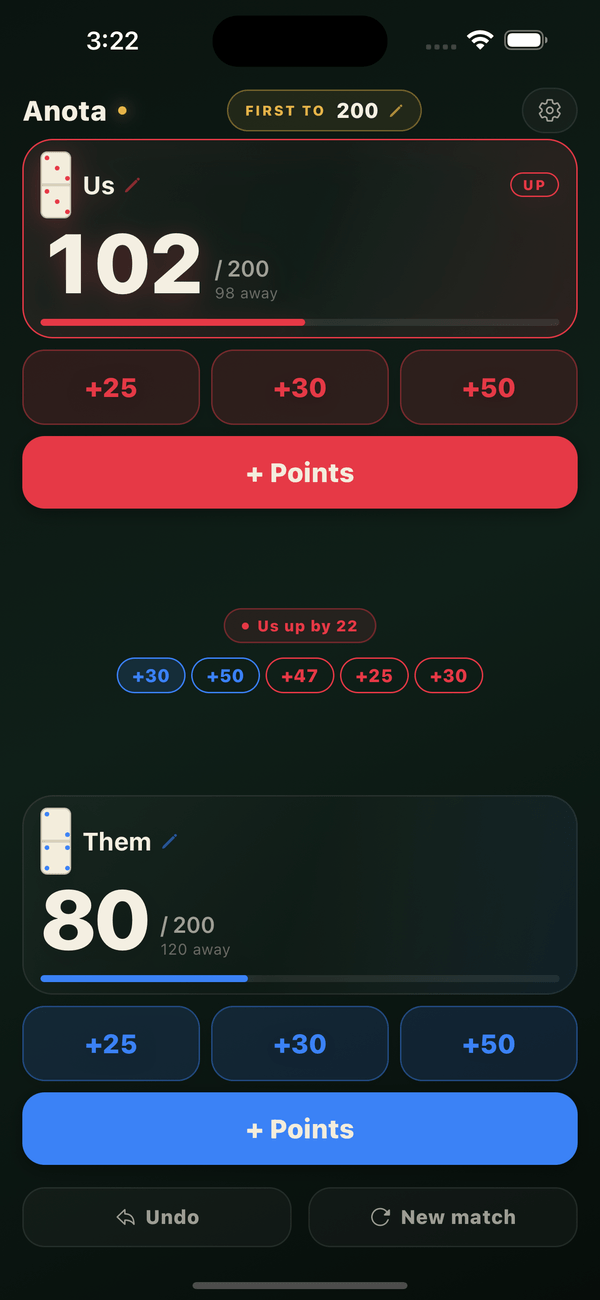
Anota keeps score for two-team Dominican dominoes on iPhone. Both teams, the round history and all controls fit on one screen, replacing the paper scorecard.
What I built
I built Anota with Expo, React Native and strict TypeScript. Match logic runs in a pure reducer, with a settle step that recalculates the winner after every change. Saved matches are checked field by field before loading, protecting the app from corrupt data. Spanish and English use the same dictionary type.
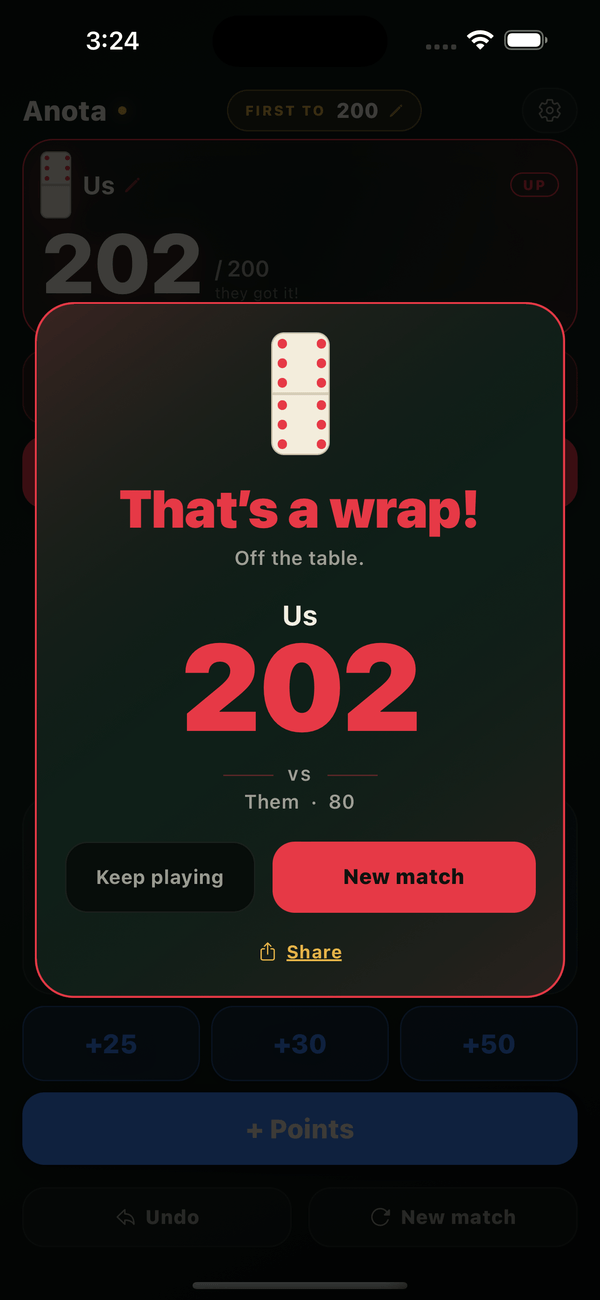
Anota is free with a banner ad. Two one-time purchases offer Remove Ads for $1.99 or Anota Pro for $2.99, which removes ads and unlocks every theme. Ads start after the UMP consent and App Tracking Transparency steps. The winner screen creates a 1080 px scorecard and opens the share sheet.
The hard parts
-
Keeping ad startup off the scoreboard
Starting the ad SDK takes five steps: foreground check, UMP consent, App Tracking Transparency status, consent information and SDK initialization. Each has its own timeout. A network stall or stuck app state falls back to non-personalized ads or no ads, keeping the scoreboard available.
-
Clear purchase errors
The purchase layer registers listeners before connecting to the store and sets a timeout on every store call. It ignores errors received outside an active purchase and distinguishes a missing product from a failed payment.
-
One screen on every iPhone
The scoreboard fits without scrolling. After subtracting the banner ad’s height, the app chooses one of three layout sizes. It still fits an iPhone SE with an ad on screen.
What’s next
Prepare the Android version.
Try it
Shared approaches
Keep rules separate from the interface
Keep English and Spanish in sync
Next project